Everything the shop needs. Nothing it doesn't.
See all features →Record a sale in under 10 seconds
Type the first letters of the product, tap it, take the money. Cash, mobile money, card, or on credit. Stock and profit update the moment you hit save.
Know exactly who owes you
Every part-payment sits against the customer's name. The ones gone quiet get flagged before they become a write-off.
Profit you can actually see
Cost, price and margin, per product — not one number for the whole shop. Slow earners stop hiding behind the fast ones.
Every unit accounted for
Purchases in, sales out, damage and expiry written down honestly. Low-stock warnings before the shelf actually empties.
The true cost of imported stock
Shipping and customs spread across the shipment, unit by unit — so every margin is built on what you actually paid.
Reports without an accountant
One page for the month: best sellers, dead stock, what you kept. Export it as a spreadsheet whenever you need to.

Built around how the shop actually runs
Credit is normal. Selling on trust is not an exception here — it is a first-class record, with part-payments and a name attached.
Mobile money counts. It sits beside cash and card, not hidden under "other".
Imported goods cost more than the invoice. Shipping and clearing land on the unit cost, so your price is built on the real number.
Set up on a Saturday. Useful the same afternoon.
Add your products
Name, what it cost you, what you sell it for, how many you have. Type them in or upload the list you already keep.
Record sales as they happen
At the counter, on your phone, in ten seconds flat. Cash, mobile money, card or credit.
See your profit
Open the app in the evening and the day is already counted. Nothing to reconcile, nothing to add up.
Most shops enter their product list in one evening and are recording sales the next morning. Keep the notebook running alongside for a week if that feels safer.
Read the full guideDesigned for the phone on the counter
Not a shrunken desktop screen. The numbers stack, the buttons are thumb-sized, and nothing scrolls sideways.
Built for shops that run on stock and trust
A corner grocery, a busy café, a wholesale store, a boutique — different counters, the same daily problems. Kivora is built around how each one sells, prices and gets paid.
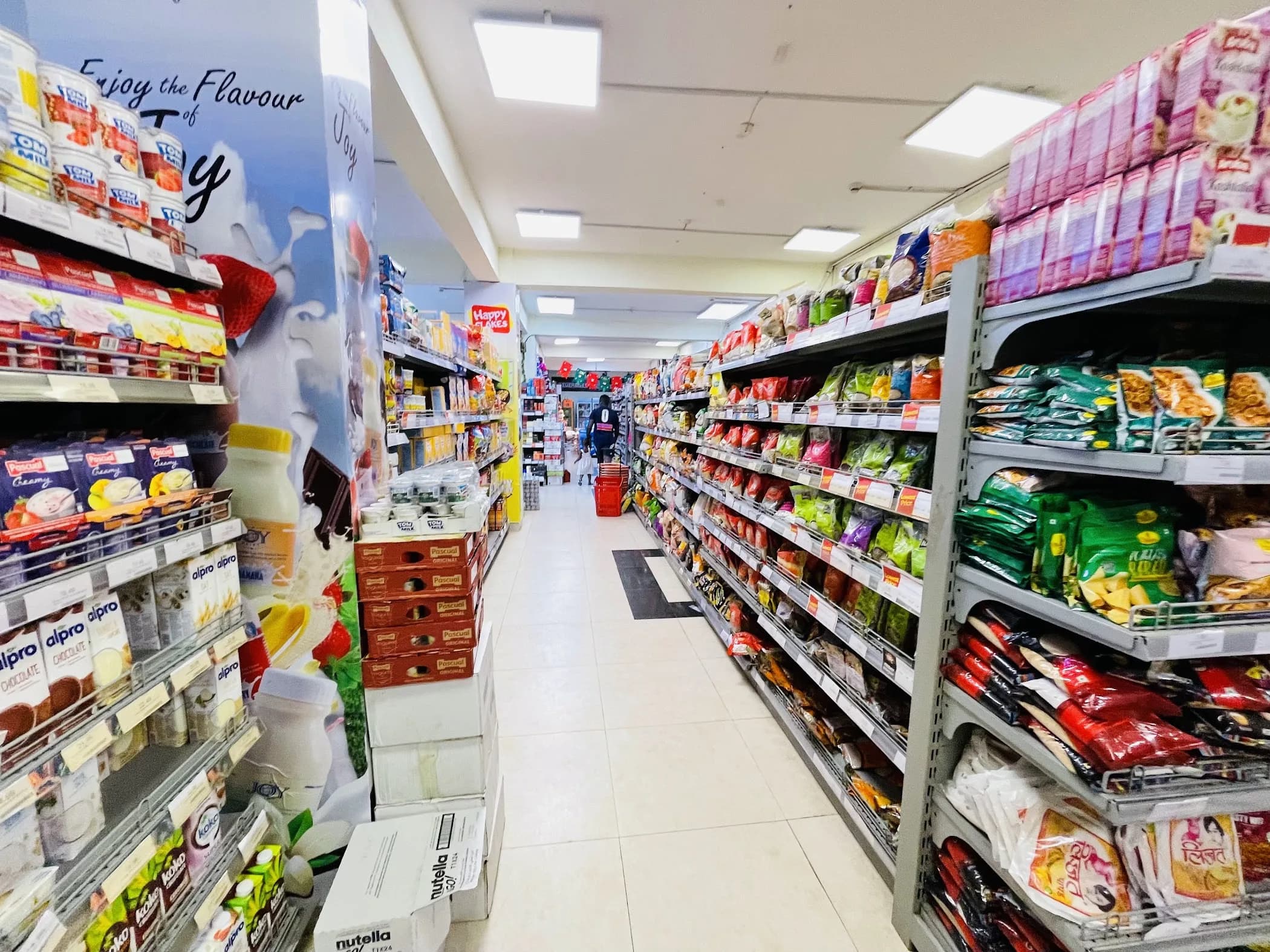
Neighbourhood grocery
Hundreds of fast-moving items, priced by hand. Stock counts stay right as they sell.
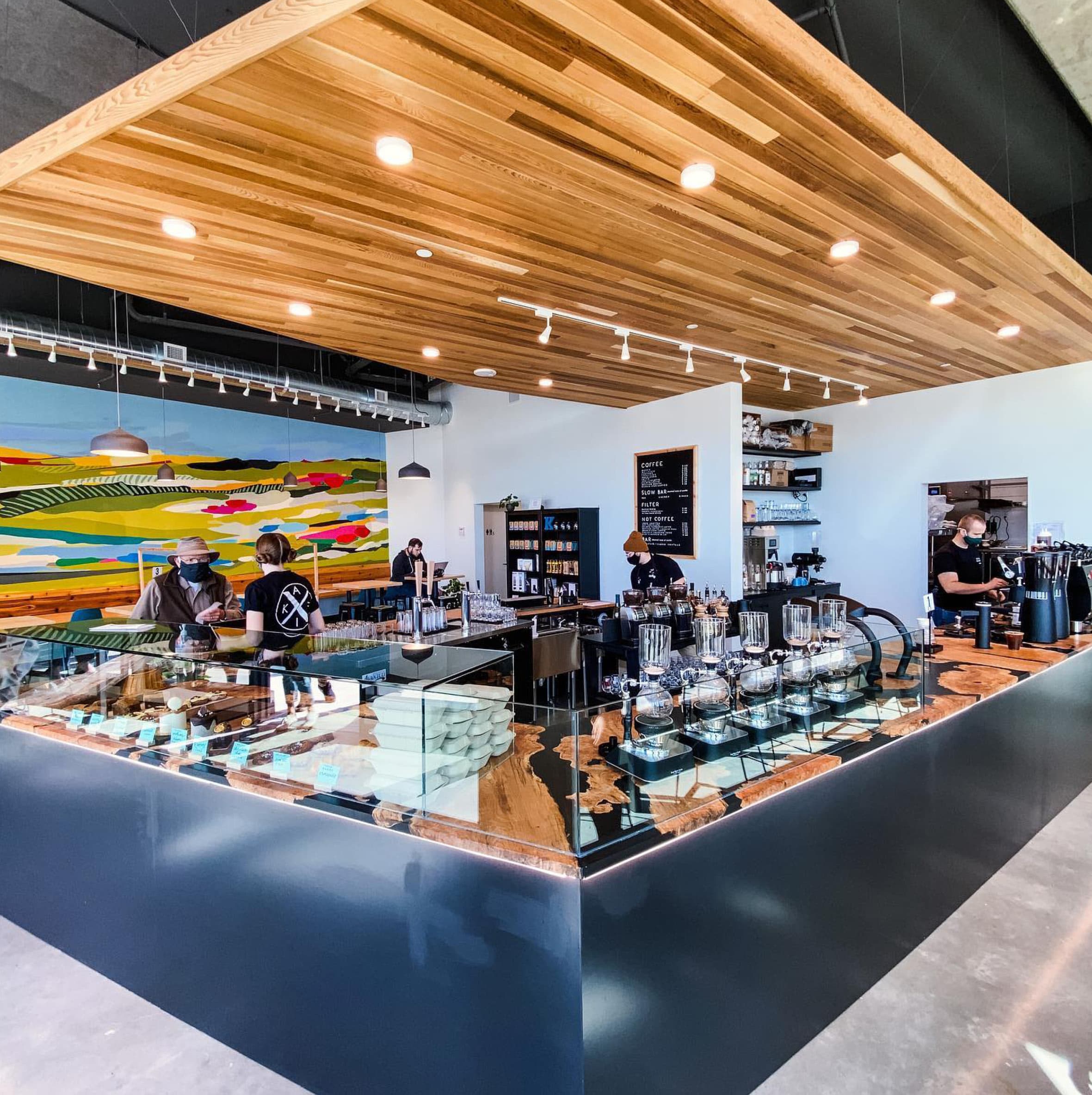
Café and counter service
Small sales all day, cash and mobile money side by side. Ten seconds to log each one.
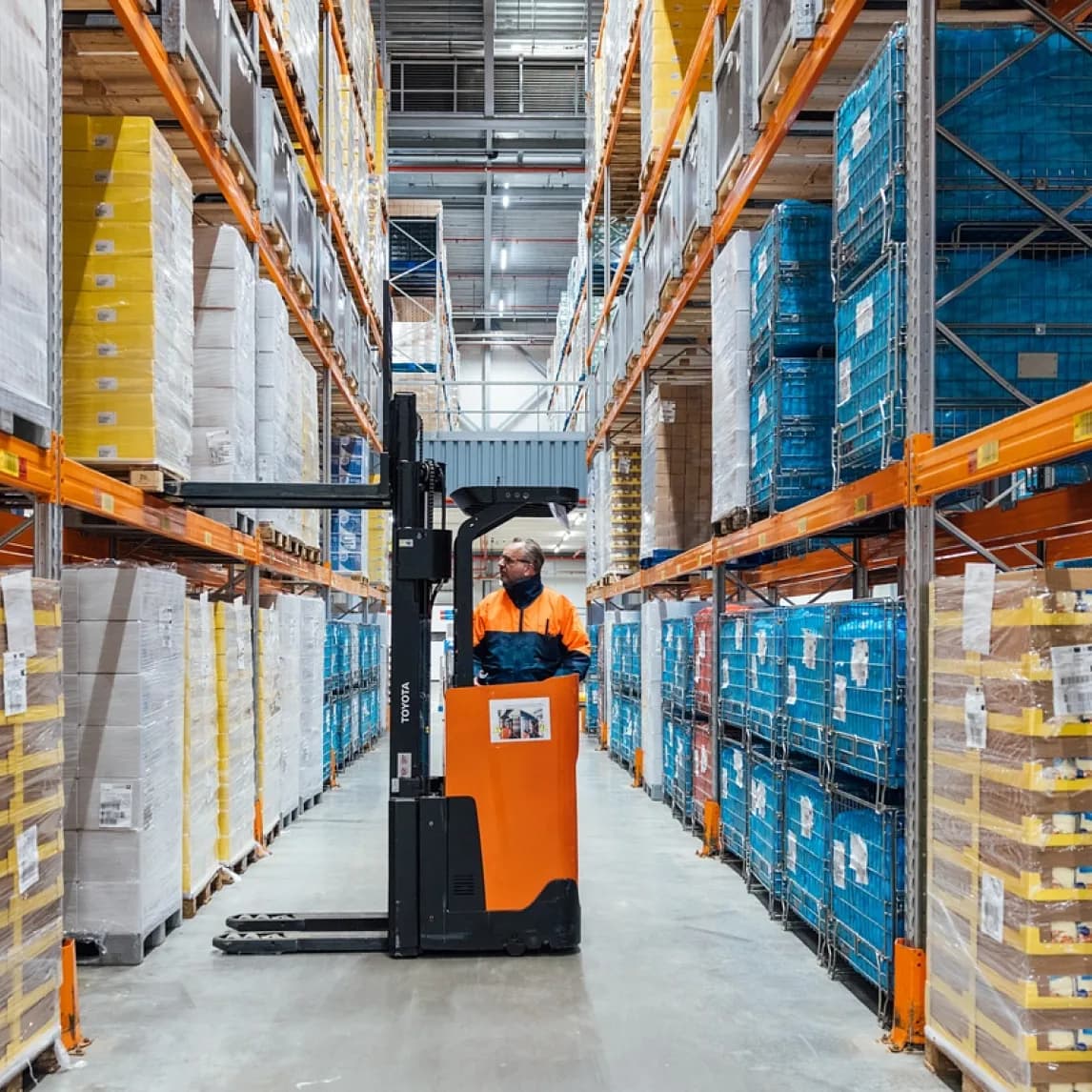
Wholesale and distribution
Imported goods, with shipping and clearing spread onto the real unit cost.

Boutique retail
Regulars who buy on trust. Every balance and part-payment sits under a name.
Start free. Pay when it pays for itself.
No card to start, no contract, and you can export your records and walk away at any time.
Notebook
One person · up to 50 productsCounter
Most shops14-day free trialEnterprise
Growing teamsUnlimited staff · branded reportsThe small-business handbook
Plain-language notes on running the numbers side of a shop. Free to read, no account needed. Written for owner-operators, not for accountants.
Pricing so you keep something
Cost, price, margin and markup — the difference between them, and why the last two are not the same number.
Chapter twoSelling on credit without losing money
How much to give out, when to stop, and how to ask for it back without losing the customer.
Chapter threeCounting imported stock properly
Shipping, clearing and the exchange rate you actually paid — spread across the shipment, unit by unit.
Straight answers
Is my money data safe?+
Your records are encrypted and backed up every day. Only you and the staff you invite can see them. We do not sell your data and we do not share it with anyone, including your suppliers.
Does it work when the internet is down?+
Yes. Keep recording sales with no connection. Everything you entered syncs by itself the next time your phone is online.
Can I use it on my phone only?+
Most people do. Kivora works in the phone browser and as an app you can add to your home screen. If you also open it on a laptop you see the same records, larger.
Can my shop assistant use it too?+
Yes. Invite staff with their own login. They can record sales and check stock; profit, cost prices and reports stay hidden unless you choose to show them. Every sale is stamped with who recorded it.
I keep everything in a notebook. Do I have to start over?+
No. Start with what is on the shelf today: the product, what it cost you, what you sell it for, how many you have. Most shops enter their list in one evening. Keep the notebook for a week if it makes you comfortable.
Can I bring in my spreadsheet?+
Upload it and Kivora will match the columns to products, costs and prices. You check the result before anything is saved. You can export back to a spreadsheet at any time — your records are always yours.
Which currency does it use?+
You choose yours when you sign up, and it is used everywhere in the app. If you buy stock in another currency you enter the rate you actually paid, and Kivora keeps your cost in your own money.
Is this accounting software?+
No, and it is not trying to be. Kivora tells you what you sold, what you made, what you have and who owes you. If you work with an accountant, export the month and send it to them.
Start with today's sales.See your profit tonight.
Enter what is on the shelf, record the day, and open Kivora this evening to a number you can trust.
No card needed. Works offline on your phone.